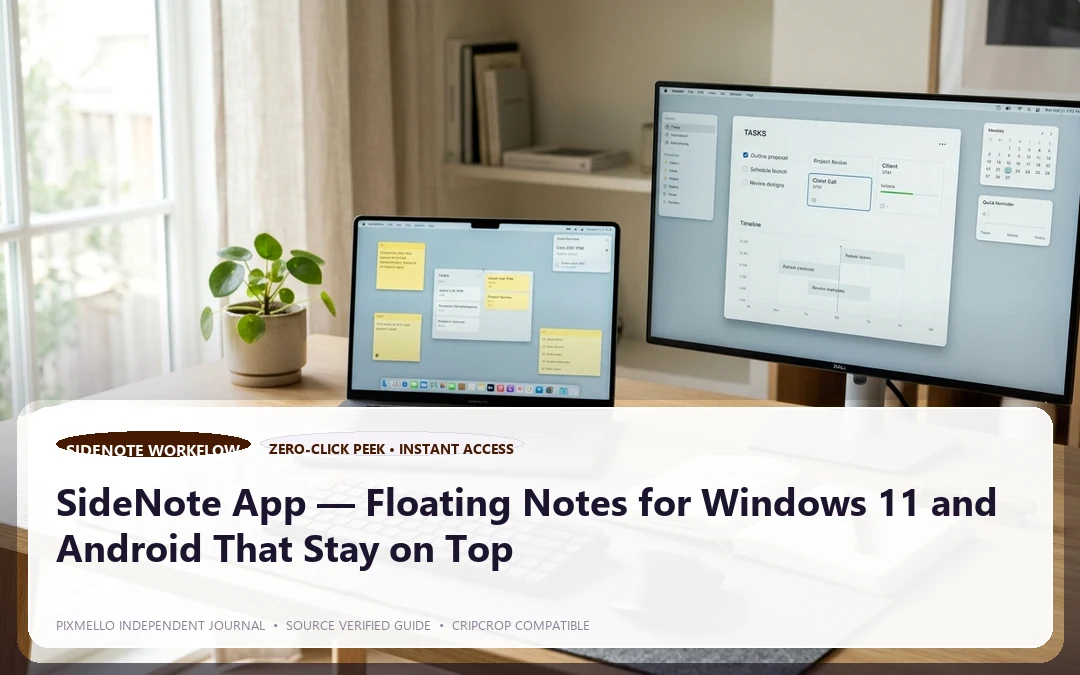
If you have ever written something in Microsoft Sticky Notes only to lose it behind a full-screen browser or a maximized editor, you already understand the core problem. Sticky notes that disappear behind other windows are not truly useful — they become a second inbox you have to actively hunt for.
SideNote is built around a single, simple promise: your notes stay visible on top of every window, always.

What Makes SideNote Different from Microsoft Sticky Notes
Microsoft Sticky Notes is a solid app for jotting reminders, but it has a fundamental limitation — it lives at the desktop level. The moment you open a browser, a document editor, or a video call, your sticky notes vanish underneath. You have to minimize everything to see them again.
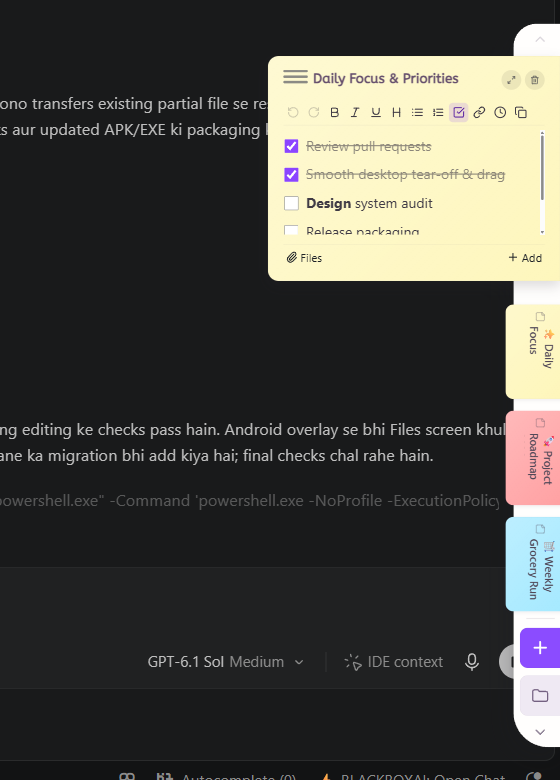
SideNote for Windows 11 solves this with genuine always-on-top floating overlays. Each note window floats above every other app on your screen, including full-screen video calls, IDEs, and streaming apps. You never lose sight of your checklist, your meeting agenda, or your reference text.
Key differences at a glance:
- Always on top: SideNote floats above every app without stealing focus.
- Android companion: Direct mobile pairing for on-the-go checklists.
- Local Wi-Fi Sync: Device-to-device instant sync without third-party cloud servers.
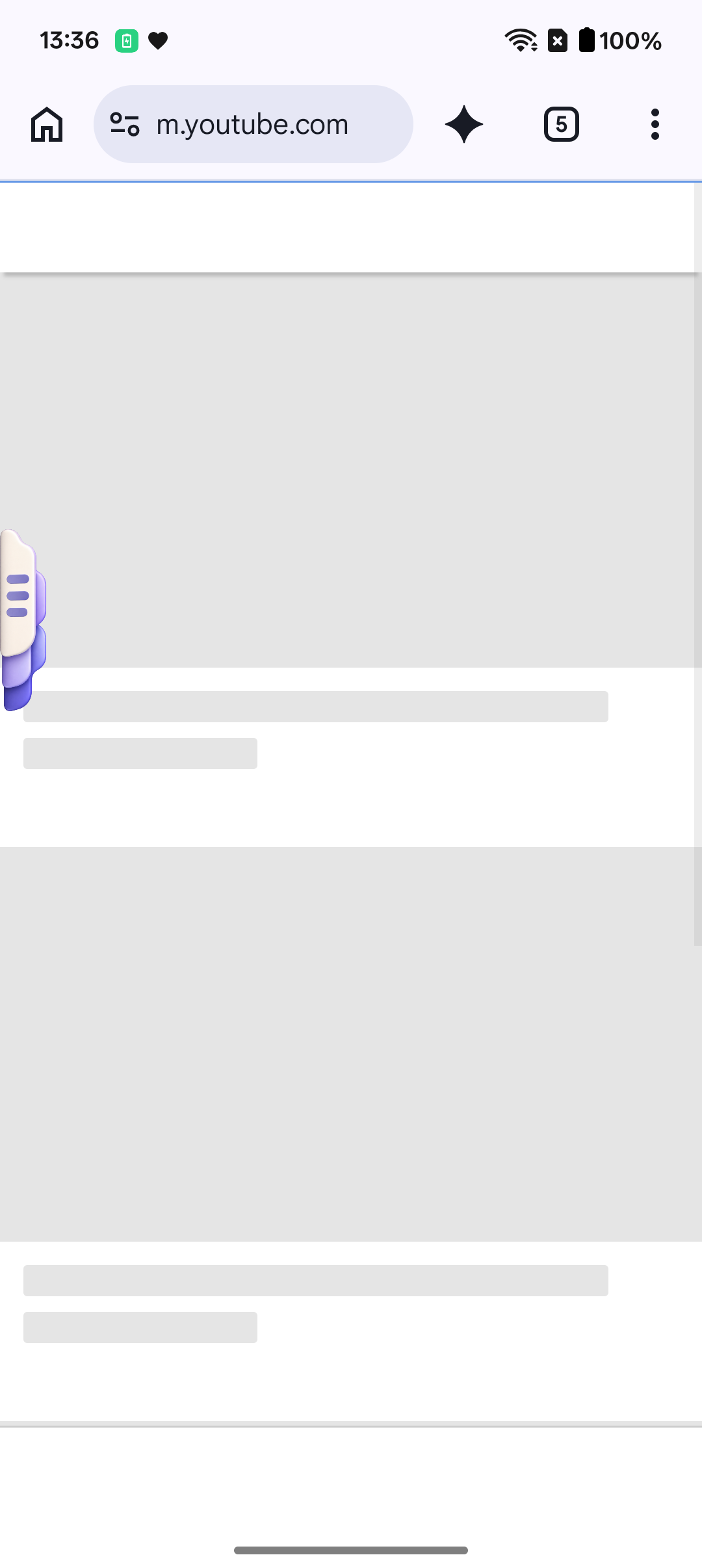
- Edge Drawer: Hides neatly at the screen edge until you hover or swipe.
- Offline & Private: All notes stay on your hardware.
SideNote vs SideNotes by Apptorium — An Important Distinction
If you have searched for floating notes Windows apps, you may have come across *SideNotes by Apptorium*. That is a well-regarded Mac app. It is macOS-only and does not run on Windows or Android.
SideNote by PIXMELLO is the Windows and Android counterpart — purpose-built for Windows 11 with a native Android companion app. If you are on a PC or an Android phone, SideNote by Pixmello is the one you want.

Key Features of the SideNote App
Floating Overlays — Sticky Notes Always on Top Open a note and it floats above every app. Resize it, reposition it, make it semi-transparent. Your notes become a persistent layer on your desktop, not a buried window.
Edge Drawer Not every note needs to be visible all the time. Slide notes into the edge drawer — a slim panel that hides at the screen edge and expands on hover. It is the fastest way to access notes without cluttering your workspace.
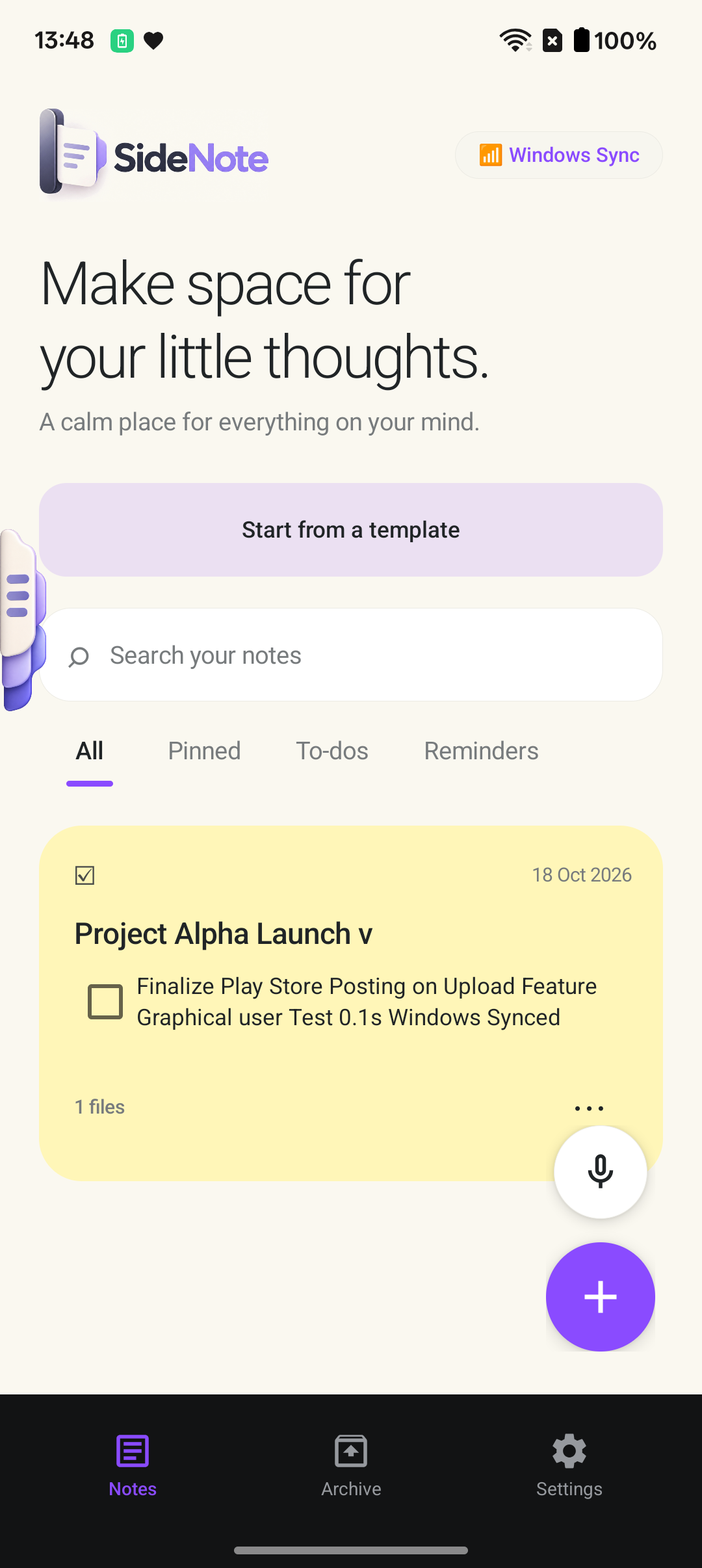
Wi-Fi Sync with Android Open a note on your PC, pick it up on your Android phone. SideNote syncs over your local Wi-Fi — no cloud account required, no data leaving your network. This is direct device-to-device sync designed for privacy-conscious users.

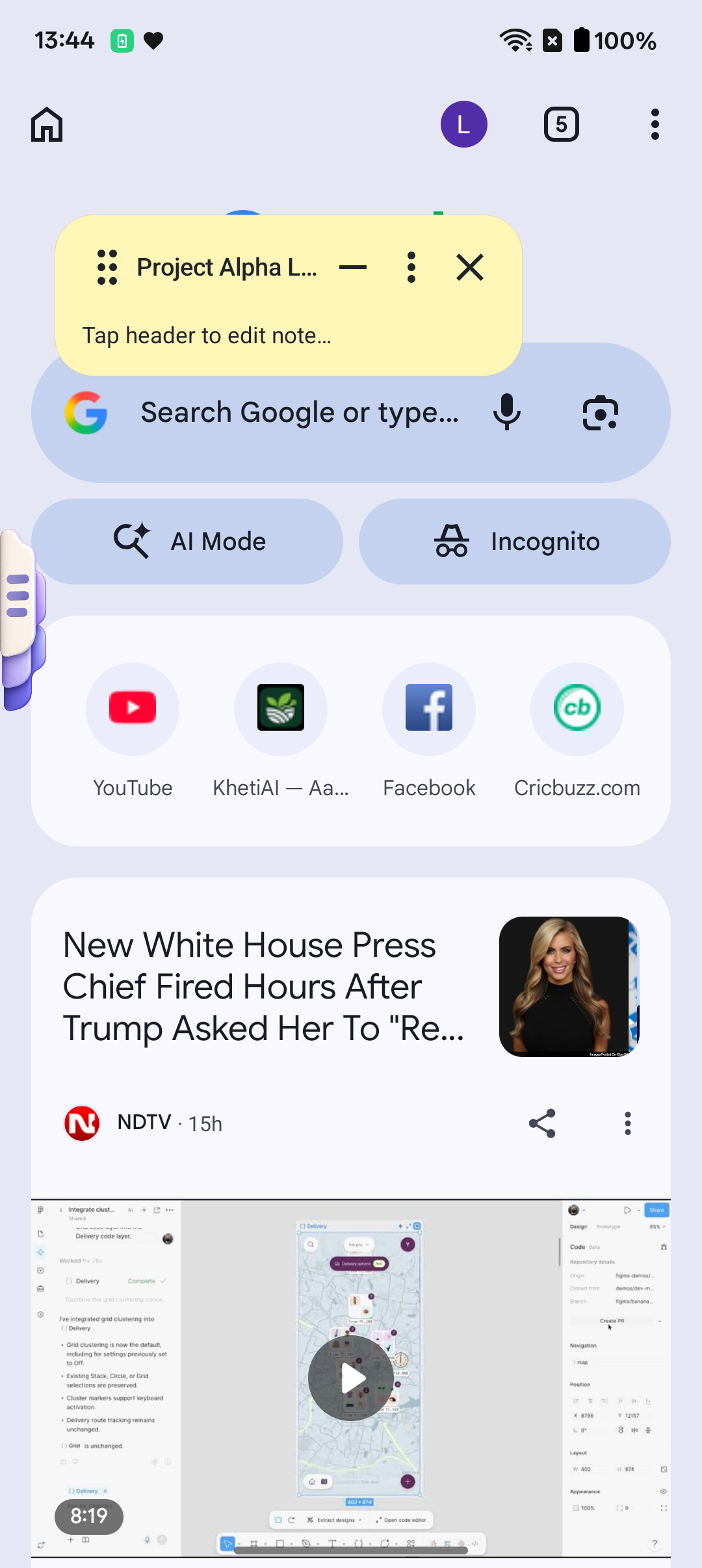
SideNote Android App The SideNote Android app mirrors the desktop experience. Floating note overlays work on Android too, letting notes sit above other apps — useful during phone calls, navigation, or video watching.
7-Day Windows Pro Trial SideNote Windows starts with a free tier and offers a 7-day Pro trial so you can test every premium feature — unlimited notes, sync, advanced overlays — before committing.