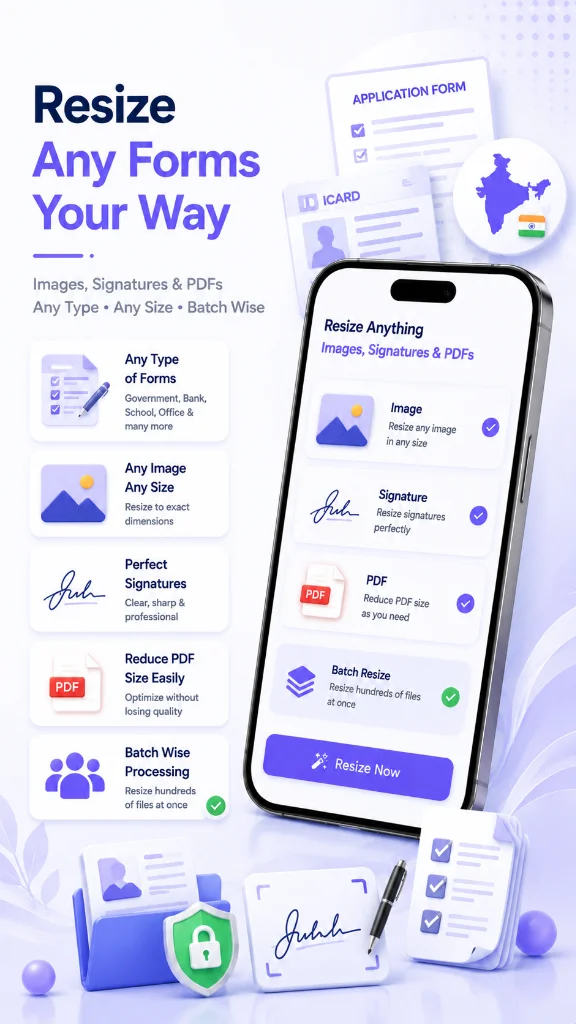
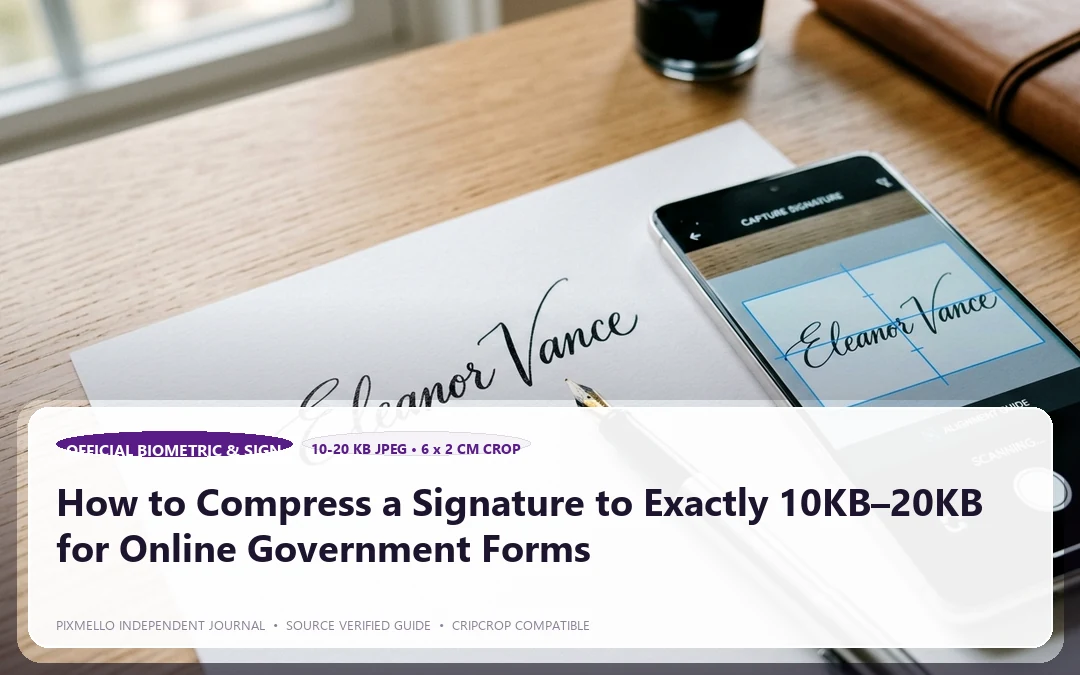
Almost every government examination and official job portal (UPSC, SSC, State PSC, IBPS, Railways, Passport Sewa) enforces a notoriously strict signature rule:
- The signature must be between 10KB and 20KB.
- Dimensions must usually be 140x60 pixels or 2x1 inches.
- Background must be pure white with dark blue or black ink.
If your file is 21KB, the portal throws an error: *"File exceeds 20KB"*. But if you compress it aggressively using generic online tools, the pen strokes break into fuzzy gray dots, resulting in form rejection.
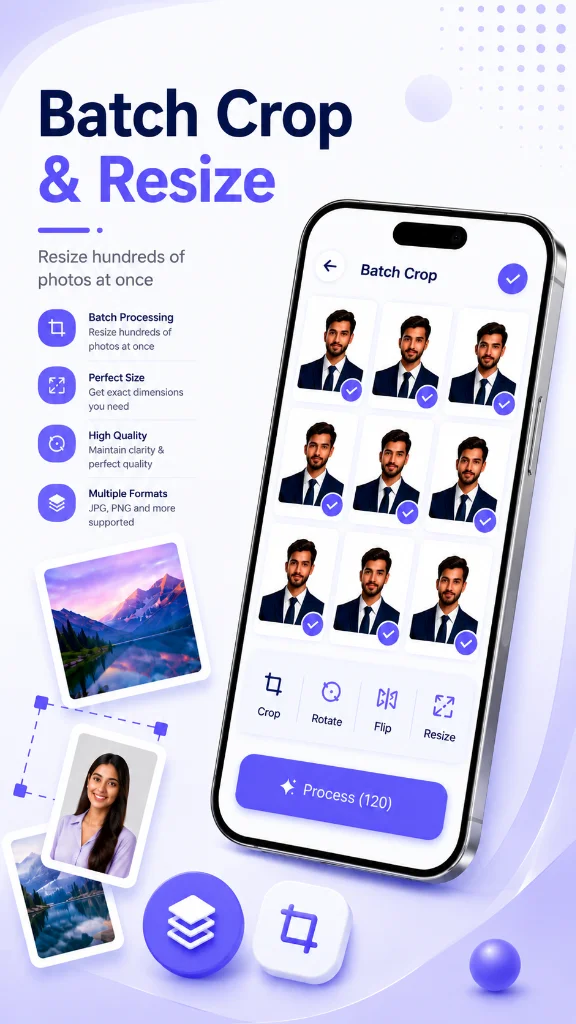
Here is the exact method to hit 10KB–20KB with razor-sharp contrast.
Step 1: Clean Up the Background First
A dirty or shadowy background inflates your image file size by 300%. Shadows contain millions of color variations that force the JPEG encoder to use more kilobytes.
1. Take your photo in direct, flat daylight without casting your phone's shadow over the paper. 2. In CripCrop, use the built-in Signature Enhancer tool. It automatically converts gray, uneven paper into a crisp, pure white background while keeping the ink strokes bold.
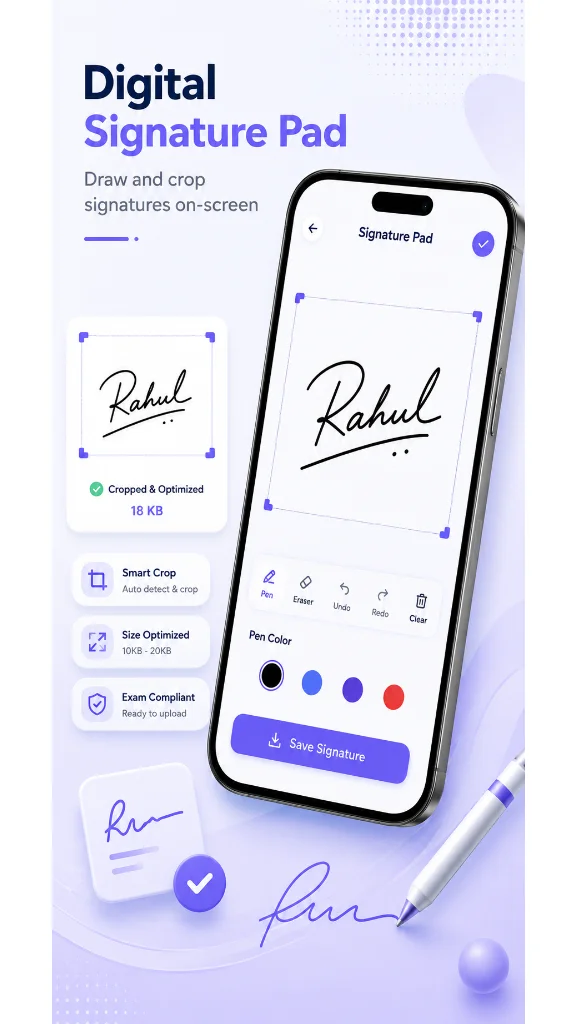
Step 2: Crop Tightly Around the Ink
Do not upload empty white margins around your name. Crop right up to the edges of the signature with equal 5-pixel padding on all sides.
Step 3: Enter the Exact Target KB in CripCrop
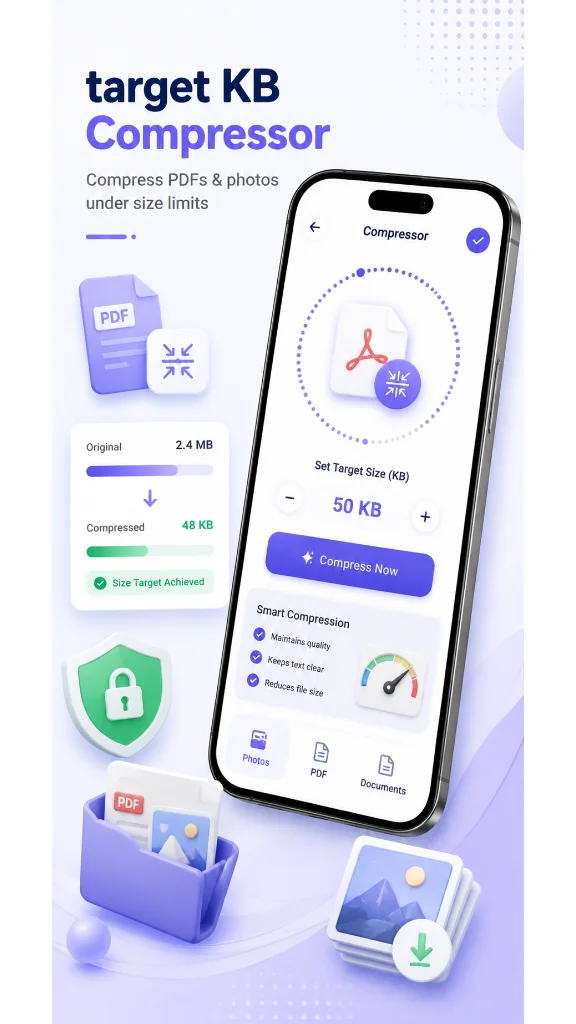
Instead of guessing percentage sliders (which leave you at 23KB or 8KB):
1. Open CripCrop on your Android phone. 2. Select your cropped signature. 3. Type 15 KB in the target box. 4. Tap Compress.
The app uses mathematically optimized discrete cosine transform (DCT) quantization to land your file at exactly 14–15KB, well within the 10KB–20KB requirement.
Why CripCrop is Safer Than Free Web Uploaders
Uploading your handwritten signature to random websites exposes you to identity theft and forgery risks. CripCrop runs 100% on-device on Android. No images are ever uploaded to any server.